Governance for Microsoft Teams
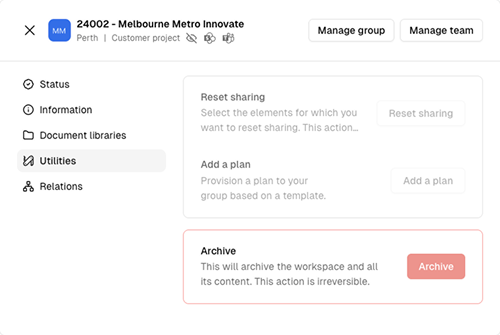
Seamless controls how Microsoft Teams and SharePoint workspaces are created and managed throughout their lifecycle. This prevents uncontrolled growth while supporting modern collaboration scenarios.
Organisation templates
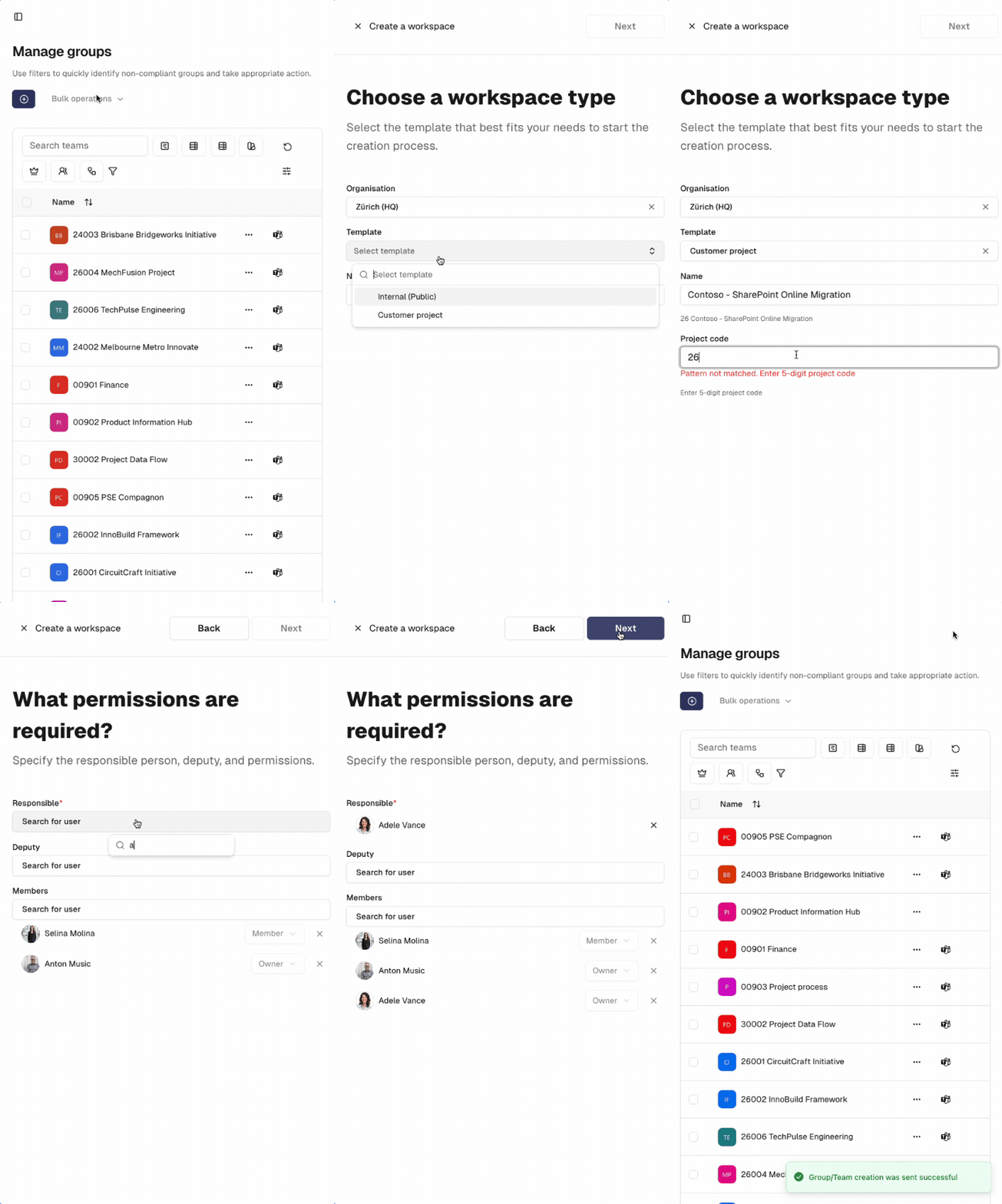
Organisation templates define how Microsoft Teams are created for specific use cases within your organisation. They ensure a consistent structure by applying predefined settings such as naming policies, channels, permissions, and lifecycle rules.
Access to templates can be restricted using security groups, ensuring that only authorized users can create certain types of workspaces.
When users create a Team from a template, all configured standards are applied automatically—guaranteeing consistency and compliance from day one.
Naming policies
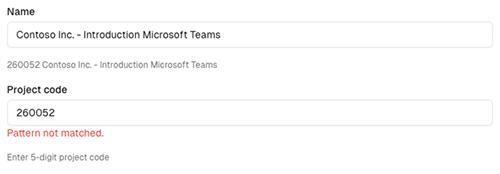
Naming policies enable user self-service while enforcing IT-approved naming rules. They ensure consistent display names, mail nicknames, and site URLs, helping keep Microsoft Entra ID clean and well structured.
In project-based organisations, naming policies ensure that project codes are consistently applied. Teams can only be created if the project code matches the defined validation pattern.
Approval workflows
Approval workflows add an additional governance layer by requiring approval before a Microsoft Team is provisioned.
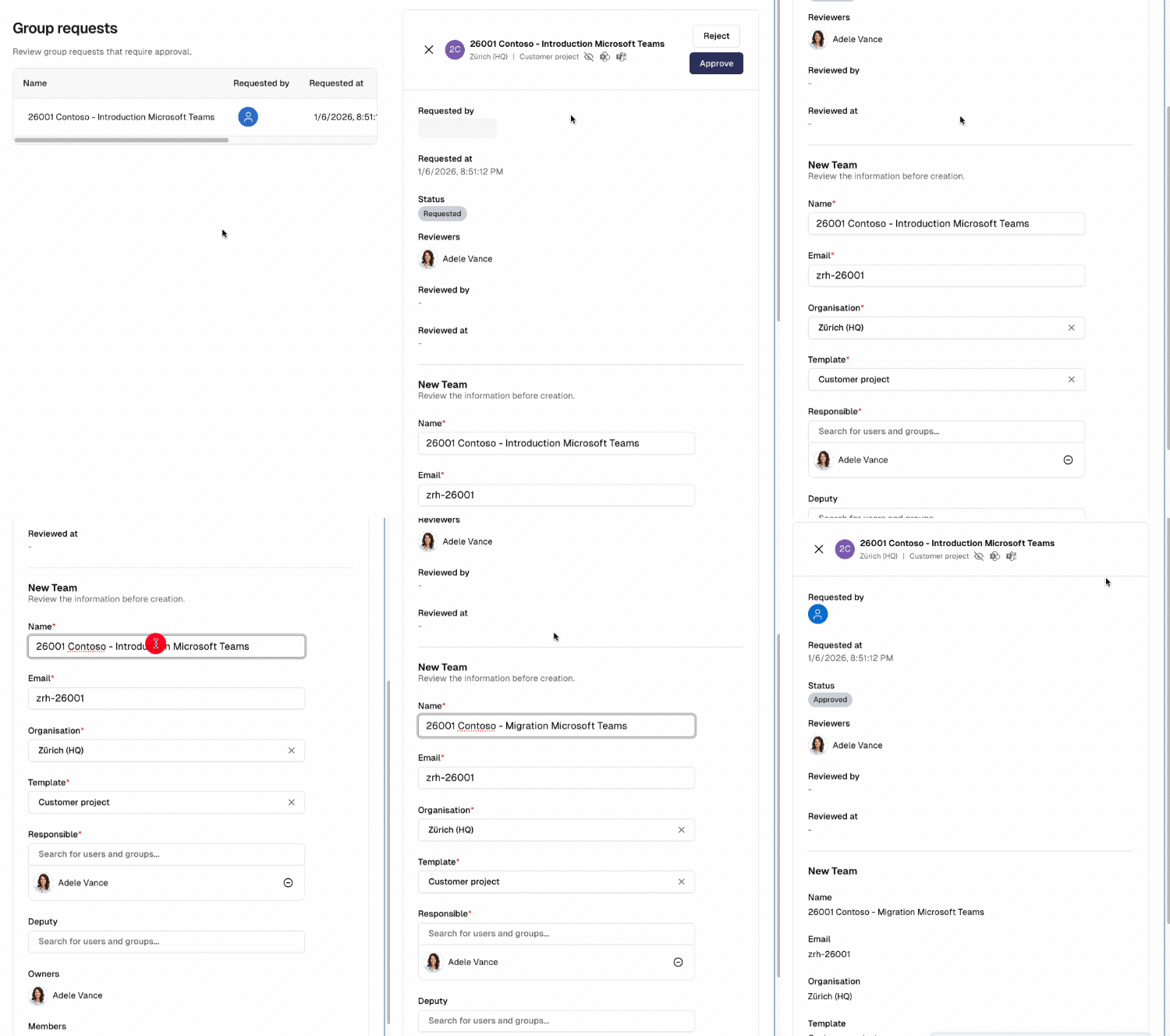
Users submit Team creation requests through self-service in the Seamless Teams App, while IT maintains control and prevents uncontrolled workspace creation.
Requests are routed to the approvers defined in the template. Approvers can reject requests, modify submitted properties, or approve them.
Once approved, the Team is provisioned automatically according to the template configuration.
Lifecycle management
Lifecycle policies ensure that Teams are archived when they are no longer needed. This helps maintain a clean and structured tenant, even after projects or collaborations have ended.