

First guest template
AI translated from the German original
Quick start for inviting external guests.
Inviting guests is controlled through templates. In this quick start, we configure a minimal template for inviting new guests with Seamless. You can find the detailed guide under Guest templates.
Create a template
Section titled “Create a template”-
In the Seamless Admin Center, open Guests → Templates.
-
Click Add template.
-
In the General tab, enter the name of the template.
-
Save the template.
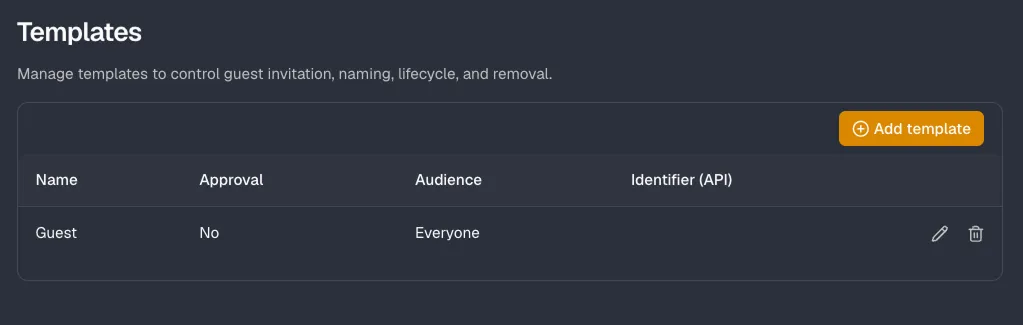
Test the template
Section titled “Test the template”Guests can be invited either by Seamless admins directly in the Admin Center or by users through the Seamless app in Teams. Here we use the Admin Center.
-
At the top left, below the tenant, click Invite guest.
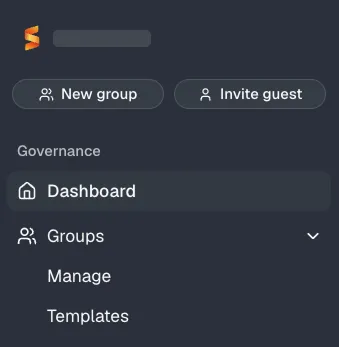
-
Select the template you created and click Next.
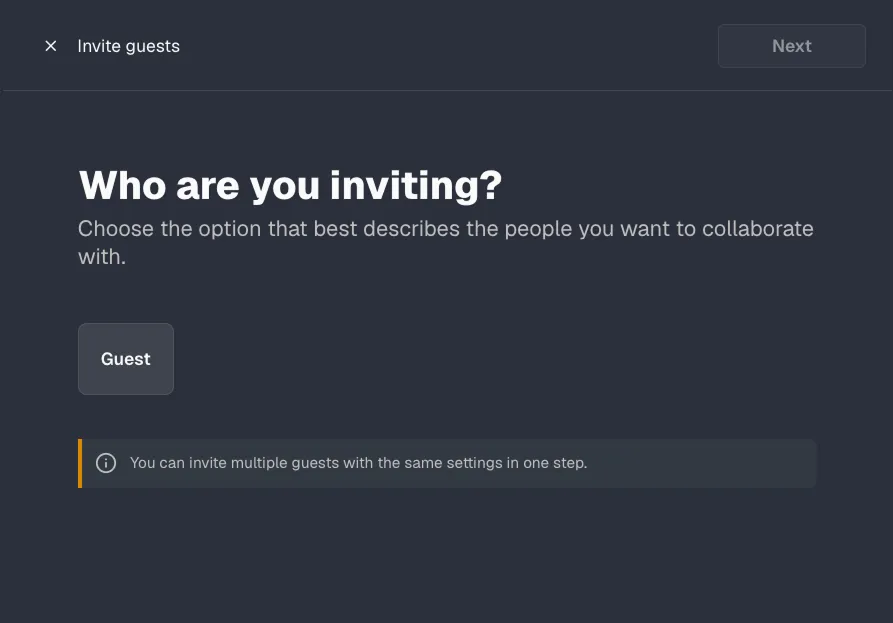
-
Enter the guest’s email address and click Next.
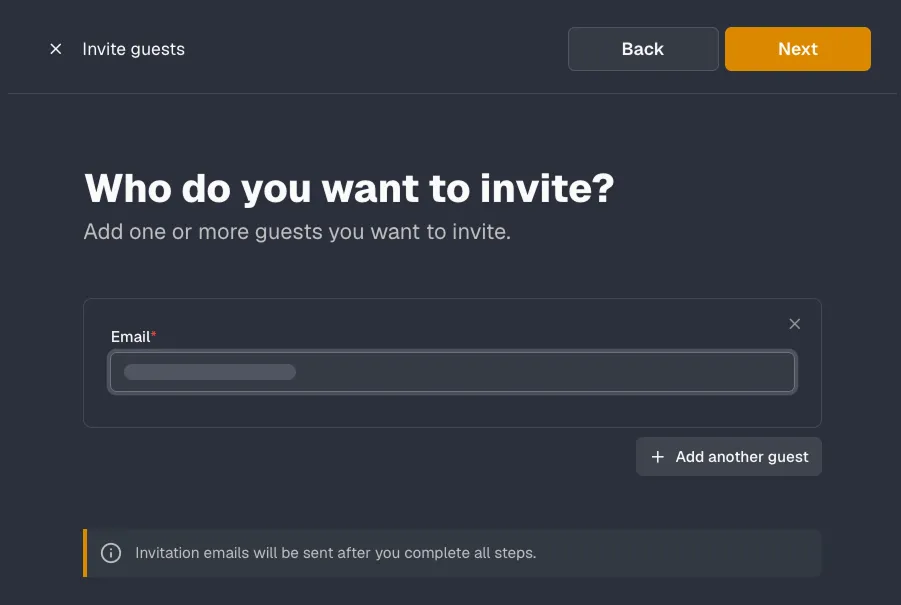
-
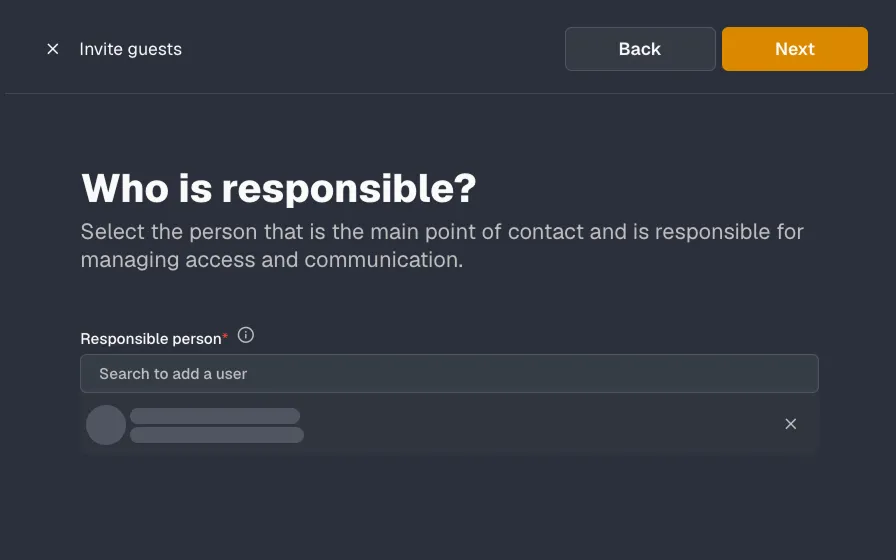
Select the primary contact under Responsible person and click Next.
-
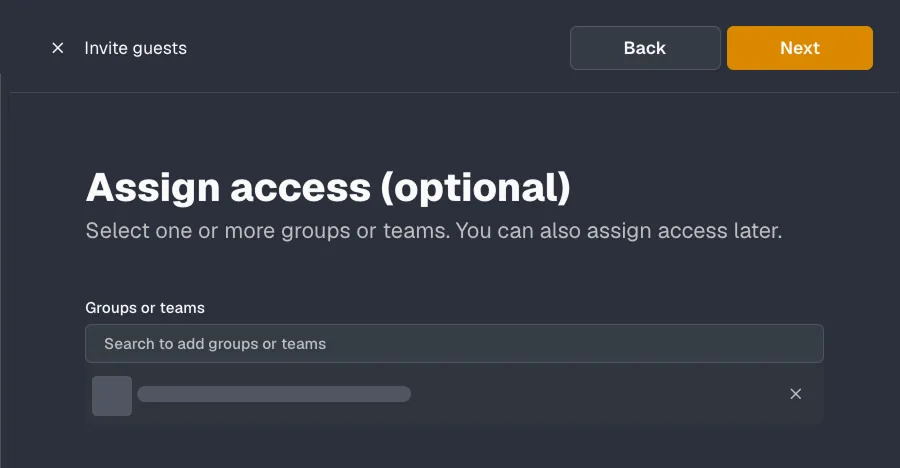
If needed, assign groups or teams to the guest and click Next.
-
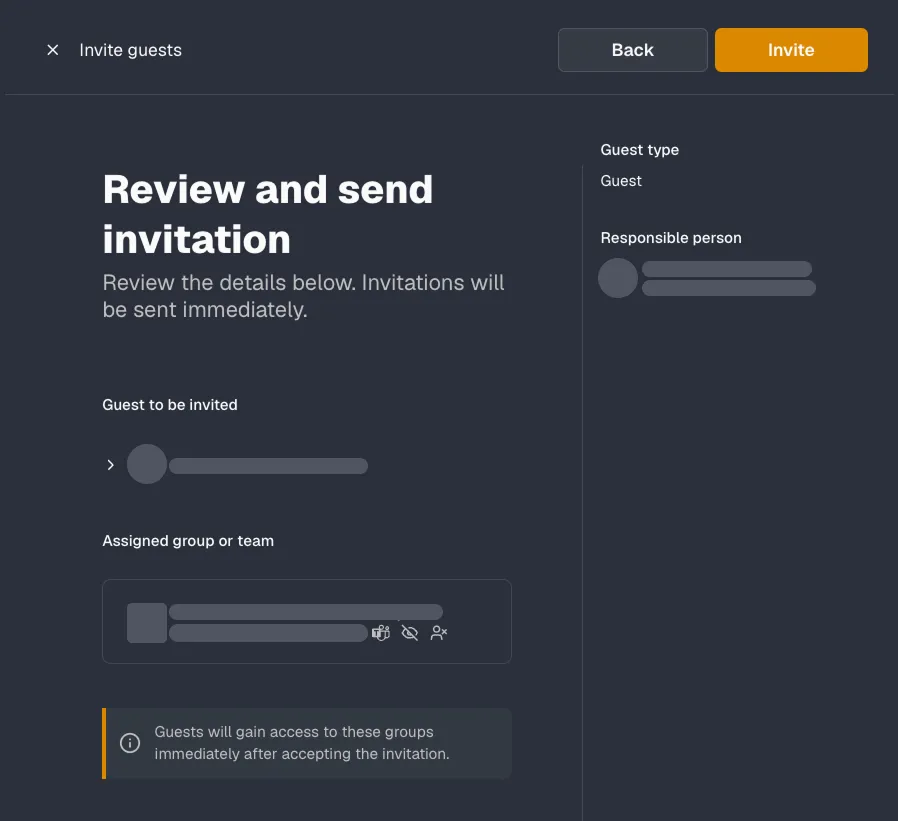
Review the information and click Invite.
Check the guest
Section titled “Check the guest”The invitation is sent by email immediately. The new guest appears in the Admin Center under Guests → Manage.