

Guest portal
AI translated from the German original
Let guests complete their details themselves and keep them up to date.
Only the guest knows their details exactly, e.g. job title or employee ID. In the guest portal, they complete them themselves. They don’t need to sign in to your tenant but confirm their email address with a code.
How it works
Section titled “How it works”-
You send the guest a request to review their details.
-
The guest receives the email Review your guest account from
noreply@seamlesswork.comand clicks Review guest account. -
In the guest portal, they click Request verification code and receive a code by email. The code is valid for 10 minutes.
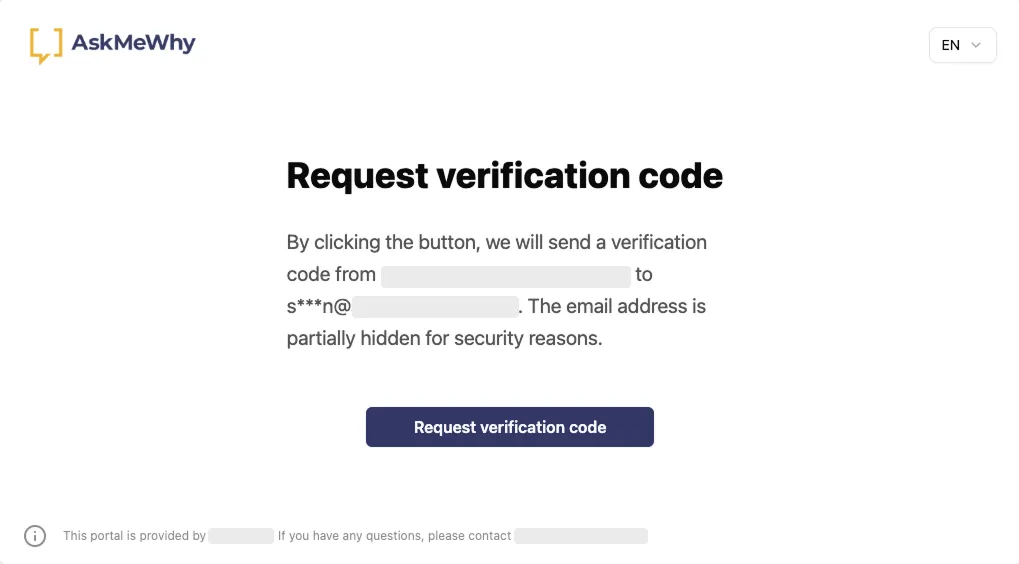
-
They enter the code and click Verify.
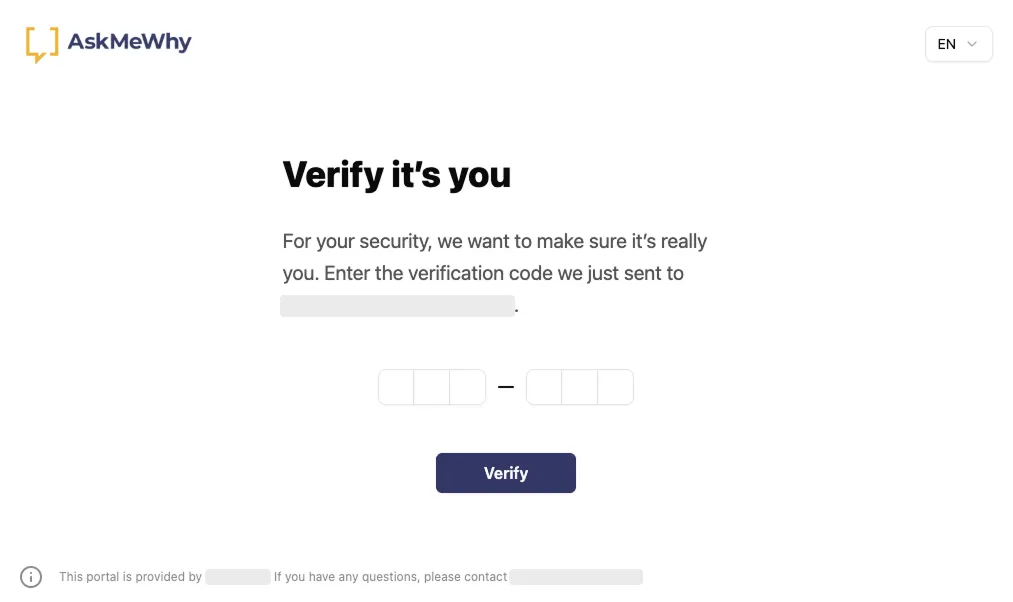
-
They complete their details and click Save.
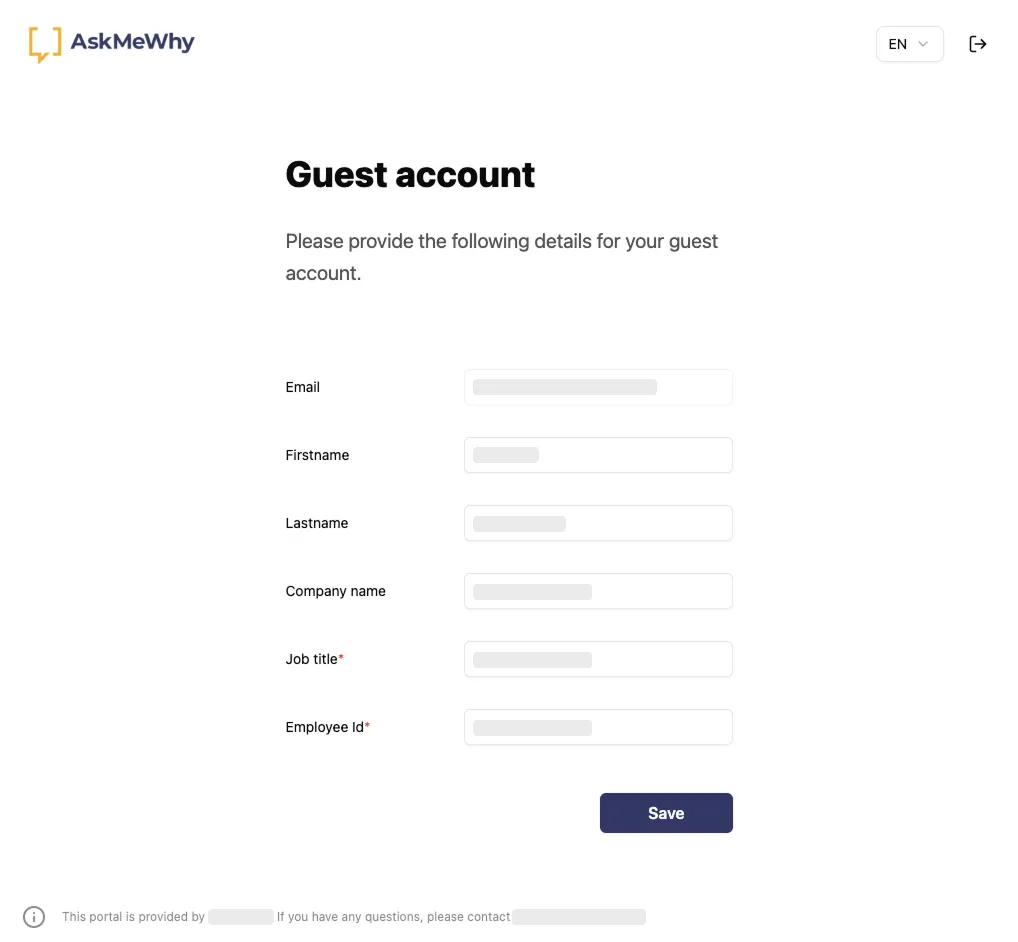
Seamless applies the details in Microsoft Entra ID. The portal shows the fields of the guest template’s invitation form, required fields are marked. The email address cannot be changed. The guest chooses the language: German, English, French or Italian.
Send a request
Section titled “Send a request”-
Open Guests → Manage.
-
Click the … menu of the guest → Send guest update request.
For several guests, select them and click Bulk operations → Send guest update request.
Seamless does not send the request automatically, not even for Properties incomplete. Send it yourself.
The email is sent on behalf of the person who sends the request.
Customise the portal
Section titled “Customise the portal”Adapt the guest portal to your company.
-
Open Guests → Portal.
-
Upload your logo under Logo.
-
Under Footer, enter the text in English, German, French and Italian.
Include a contact address for questions, e.g.
If you have any questions, please contact help@contoso.com. -
Click Save.